Color
PRIMARY FULL-COLOR LOGO
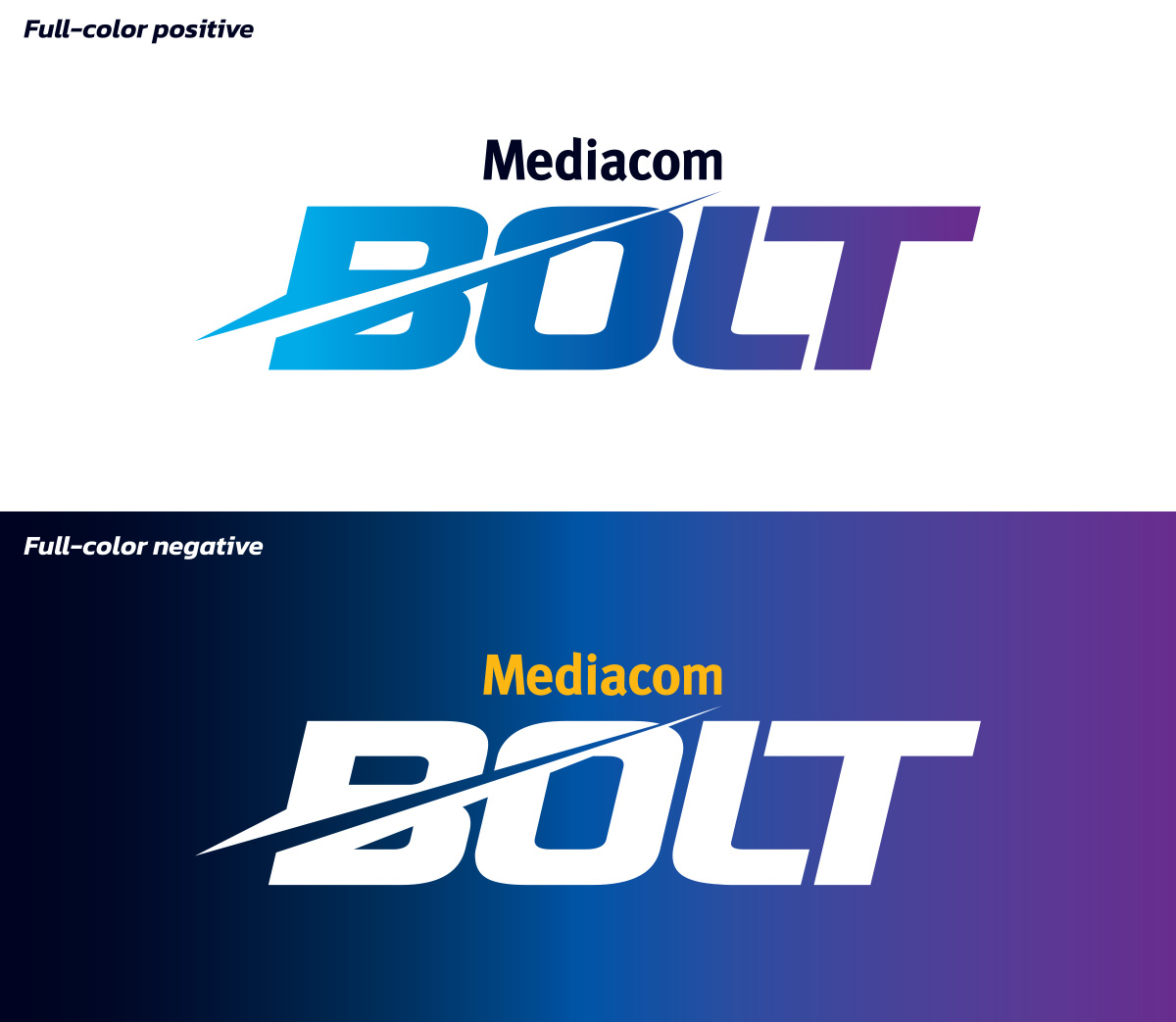
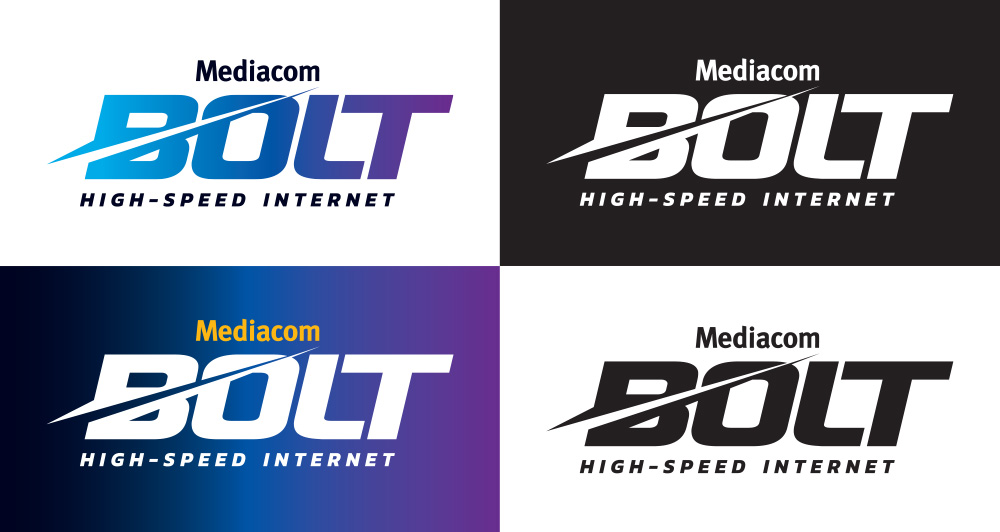
The full-color logo depicted here is the primary and preferred logo. This full-color positive logo can be used on white and light-colored backgrounds. On color backgrounds, use the full-color reversed logo.
ONE-COLOR (BLACK & WHITE)
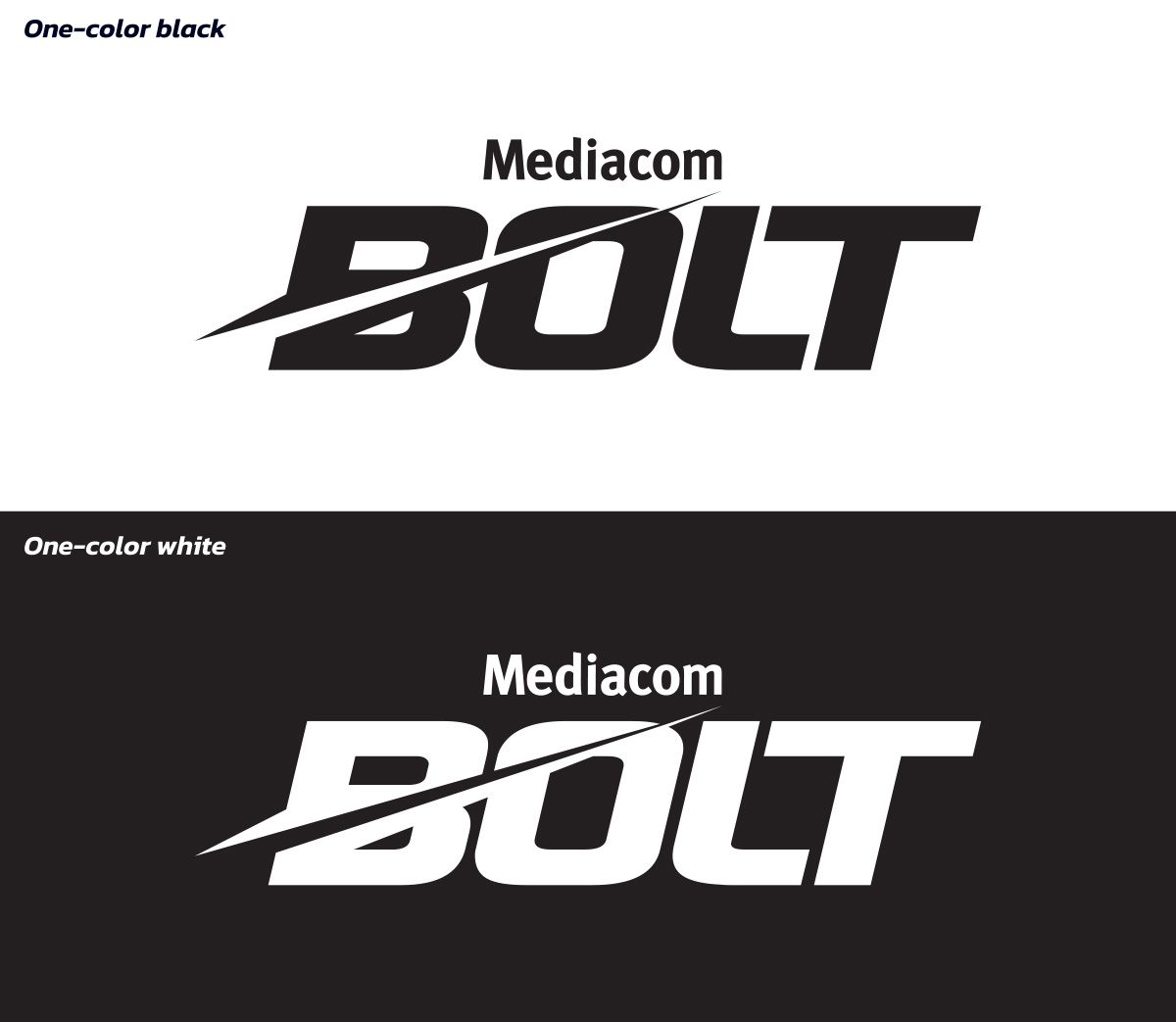
Do not use the black or white logos unless specifically directed for a one-color application. These versions exist only for instances that require one-color usage.
Logo Variations
Taking Fast Further – TFF
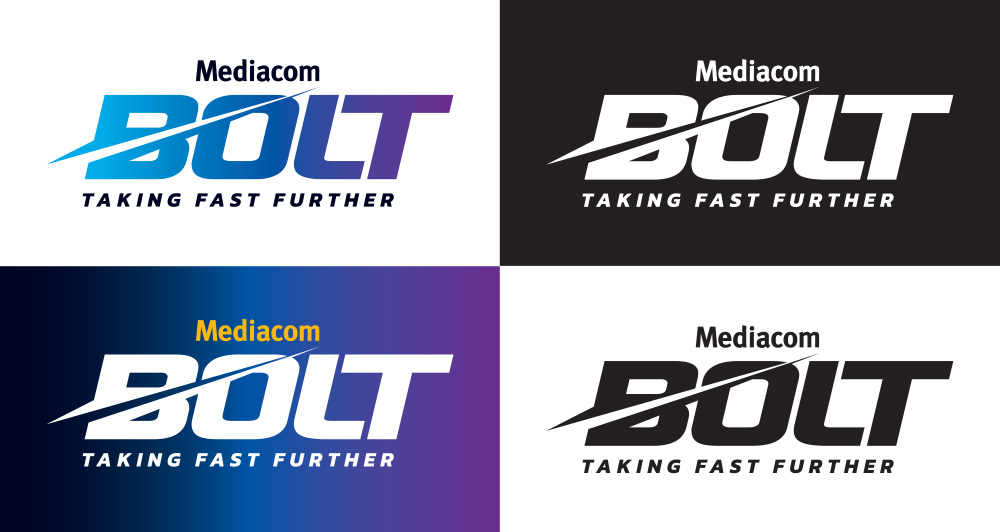
High-speed Internet – HSI
Clear Space
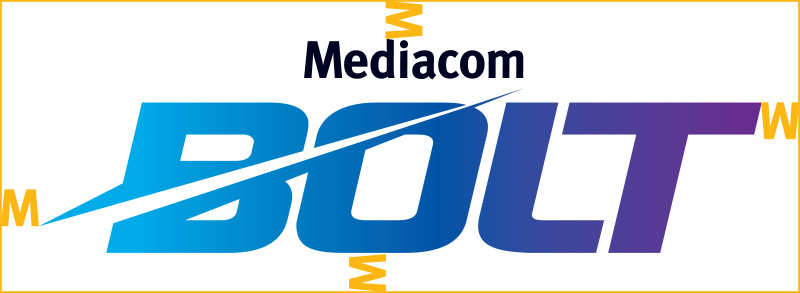
The clear space around the Mediacom Bolt logo is equal to the width of the “M” in Mediacom.
Size
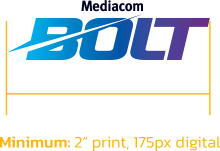
The size of the Mediacom Bolt logo should be determined by the available space. For print communications, the minimum logo size is 2″. For digital uses, the minimum size is 175 pixels.
Usage
CORRECT
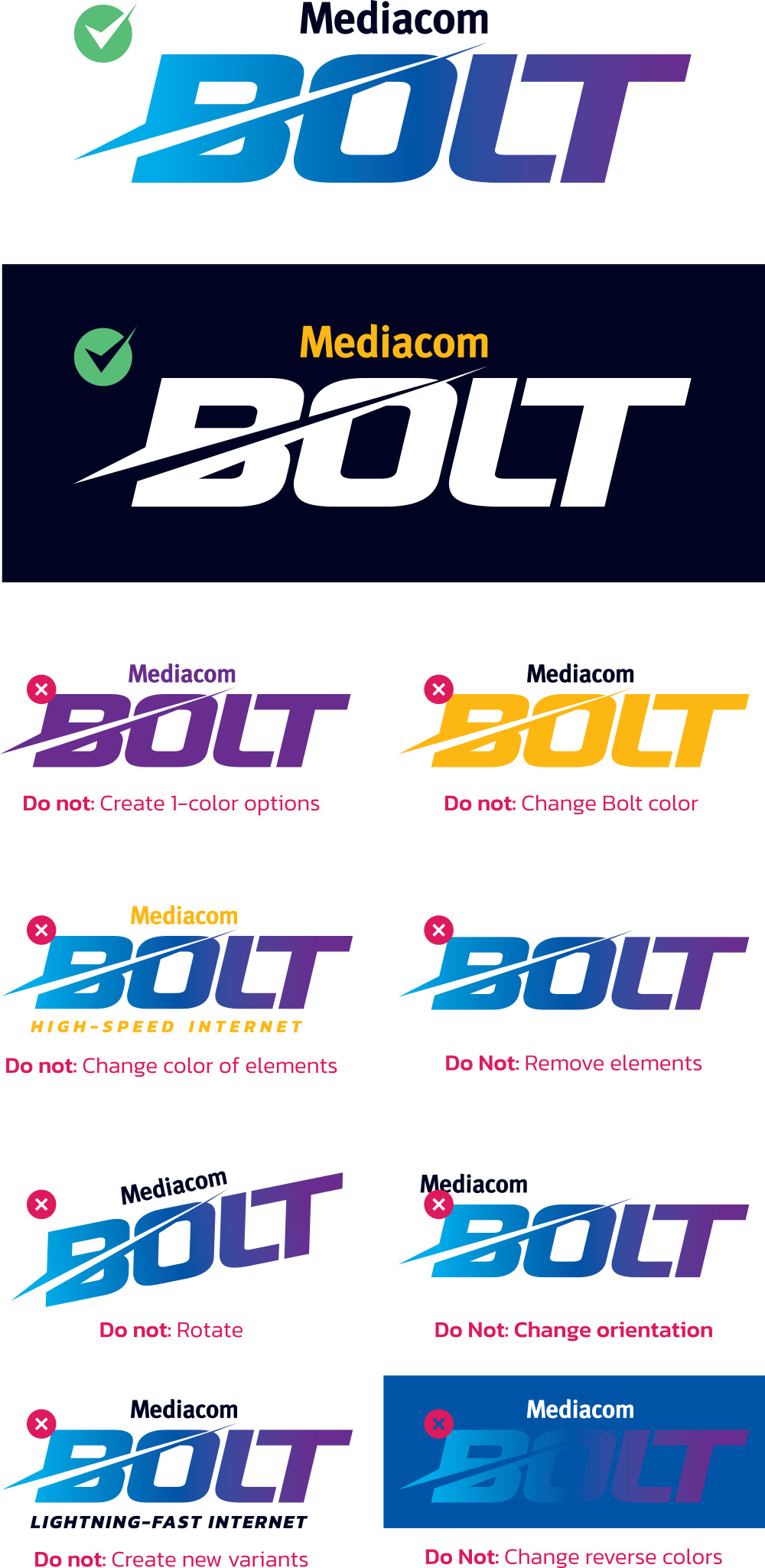
The preferred usage of the logo is full color. In some situations, the one-color version can be used. Additionally, the icon portion of the logo can be used as a graphic element.
INCORRECT
Do not alter the Mediacom Bolt logo. Always make sure you are working with one of the approved logos exactly as it appears. Examples of unacceptable uses of the logo are pictured here.